In SharePoint modern pages, you embed an events list to see a calendar. It then displays a list of events in a manner that does not appear as a traditional calendar like below, with a bunch of cards, not displaying empty dates, and displaying multiple months at once.
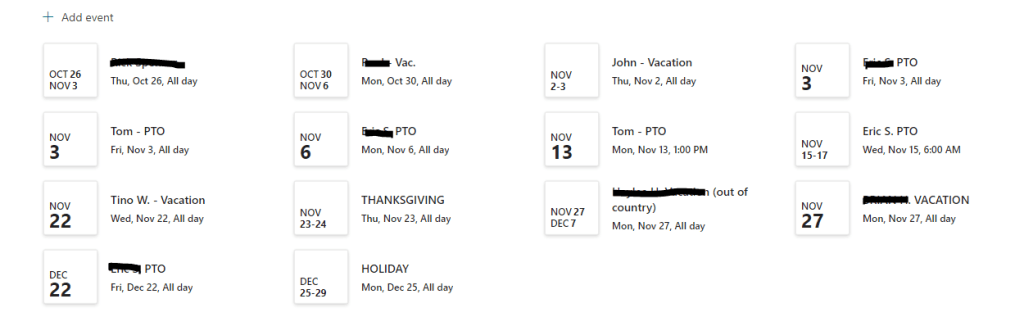
To achieve the old-fashioned calendar look that people like, you can embed the .aspx view of the calendar. It will end up looking like this.

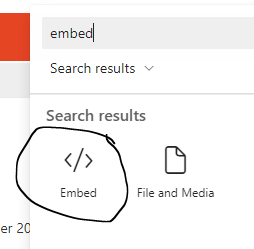
Embed by adding the embed web part. Search on the word “embed,” and choose it. To embed, type as follows in the web part properties. You may have to adjust width and height to suit your needs. These settings work well for my desktop (1920 x 1080). Note that this is not a “responsive” solution. People using various [smaller] devices might not be able to see that calendar very well.
<iframe src="https://yourSiteURL/Lists/Events/calendar.aspx" width="100%" height="700"></iframe> Learning SharePoint