I know I shouldn’t be using InfoPath in 2021, but I’m still on a SharePoint 2013 on-prem installation, and I have few options. I could write my own HTML-and-JavaScript apps using a framework like Vue, but it would take a lot longer. Anyway, here is how to get the current user in an InfoPath form:
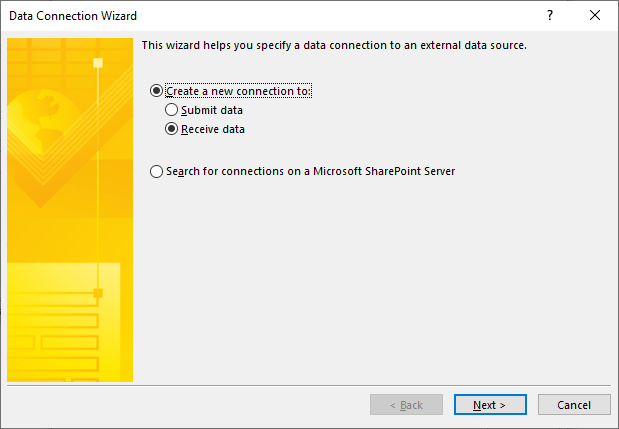
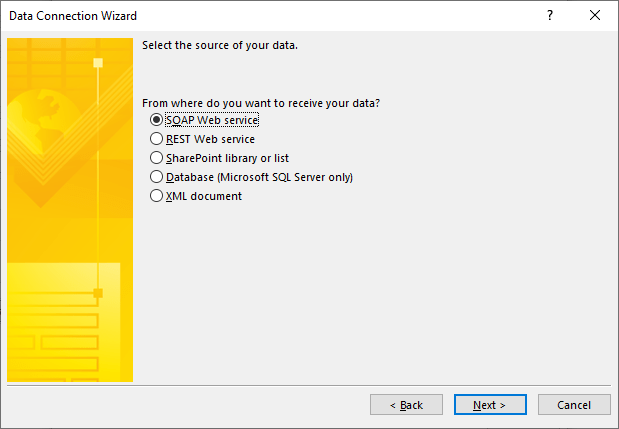
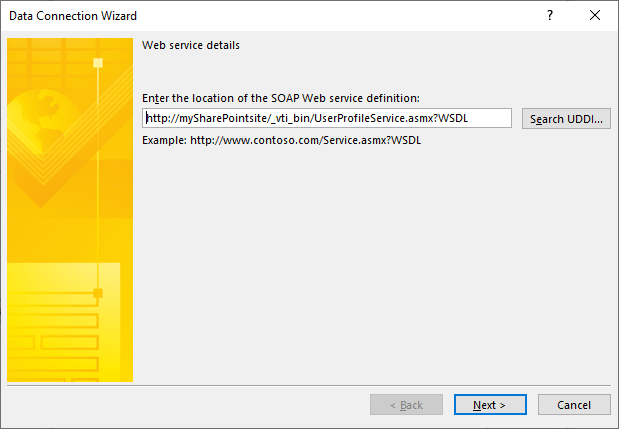
Set up a data connection using “Receive Data,” “SOAP,” and the following endpoint. “http://sharepointsiteURL/_vti_bin/UserProfileService.asmx?WSDL
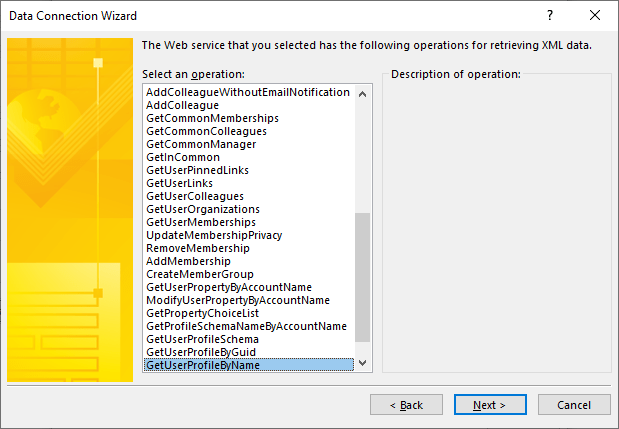
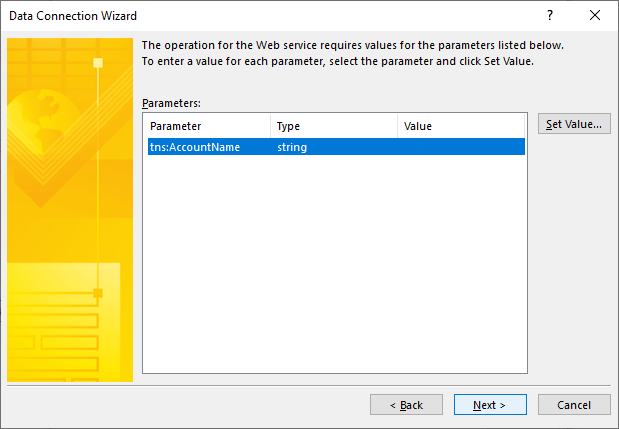

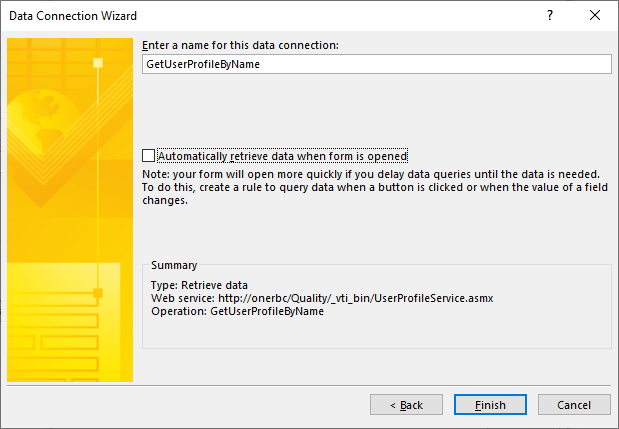
In the Form Load Event, then Set the value of the account name in this data connection to be your user name
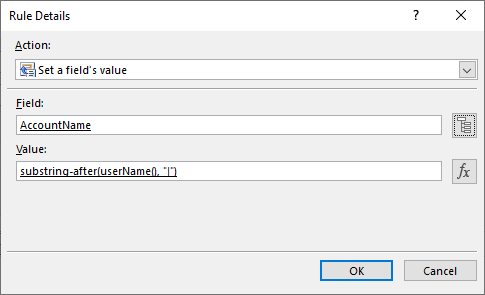
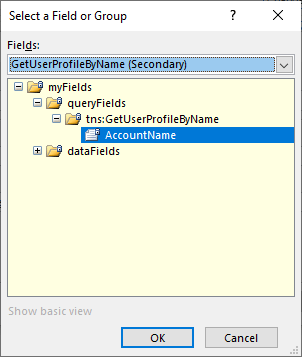
Then, after the AccountName property is set, run the query

Create a field on your InfoPath form called Current User and populate it in the next rule
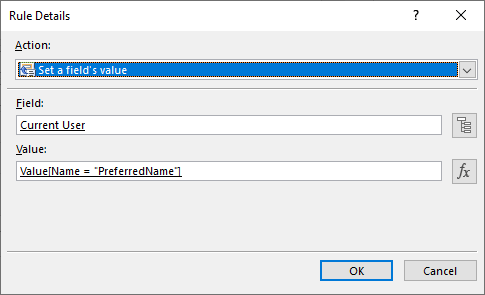
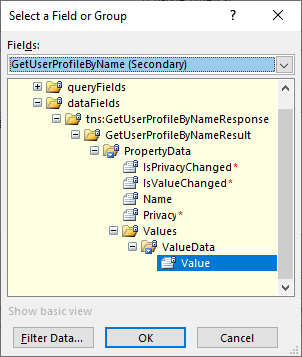
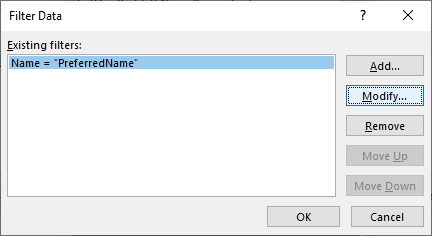
Filter the return value to the PreferredName property

5/5/2023 – Update. If you’re getting a 5566 error when trying to get the current user’s name, set a different “dummy” field to the value substring-after(userName(), “|”) and then do the query for data step as the next step, in this example I’m using the “CurrentUser” field.
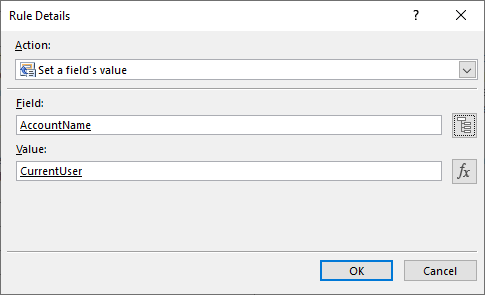
12/1/2023 – Update. In SharePoint online, if I remove the part where I set the Account Name property, I don’t get an error about querying a web service on the destination site. I don’t understand this at all, but it works.
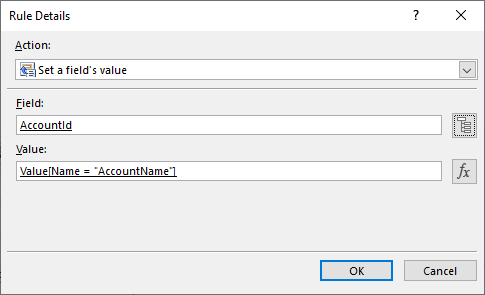
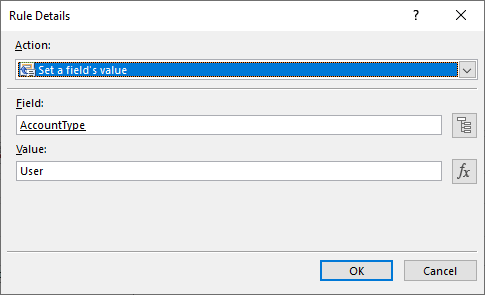
Above is all you need do to populate a simple text box with the current user’s name, but if you’re populating a people-picker control, then you should set all three properties of a name: DisplayName, AccountID, and Account Type. Do the DisplayName as above with the “PreferredName” property. For the Account Type, select AccountId from the field picker and filter out the value using “AccountName” as the parameter. Hard-code account type to “User.”
 Learning SharePoint